
MICROSOFT 365 COPILOT ADOPTION AND PROMPTING WORKSHOP
Your team has the licences, but is anyone using them? Confidence is low. Use cases are unclear. Leave with prompt packs that your staff use in real work.

PROMPTING HABITS THAT STICK
Simple patterns people use daily for stronger outputs.
A PROMPT LIBRARY YOU CAN GROW
Repeatable prompt guides that develop compounding skills
PROMPT PACKS FOR SIX TEAMS
Leadership, Sales, Marketing, Customer Service, Finance, Operations.
Half-day in-person session + pre-work. Supports up to 60 participants. Post-event portal access to prompting resources.

TRUSTED BY TEAMS AT
In-person Microsoft 365 Copilot workshops delivered across New Zealand and Australia


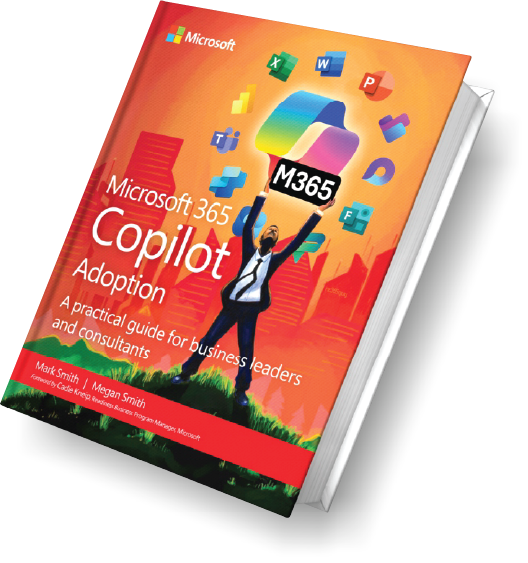
Authors of Microsoft 365 Copilot Adoption
Delivered in person across New Zealand and Australia
Microsoft MVP-led facilitation
Designed for organisations with 10+ staff

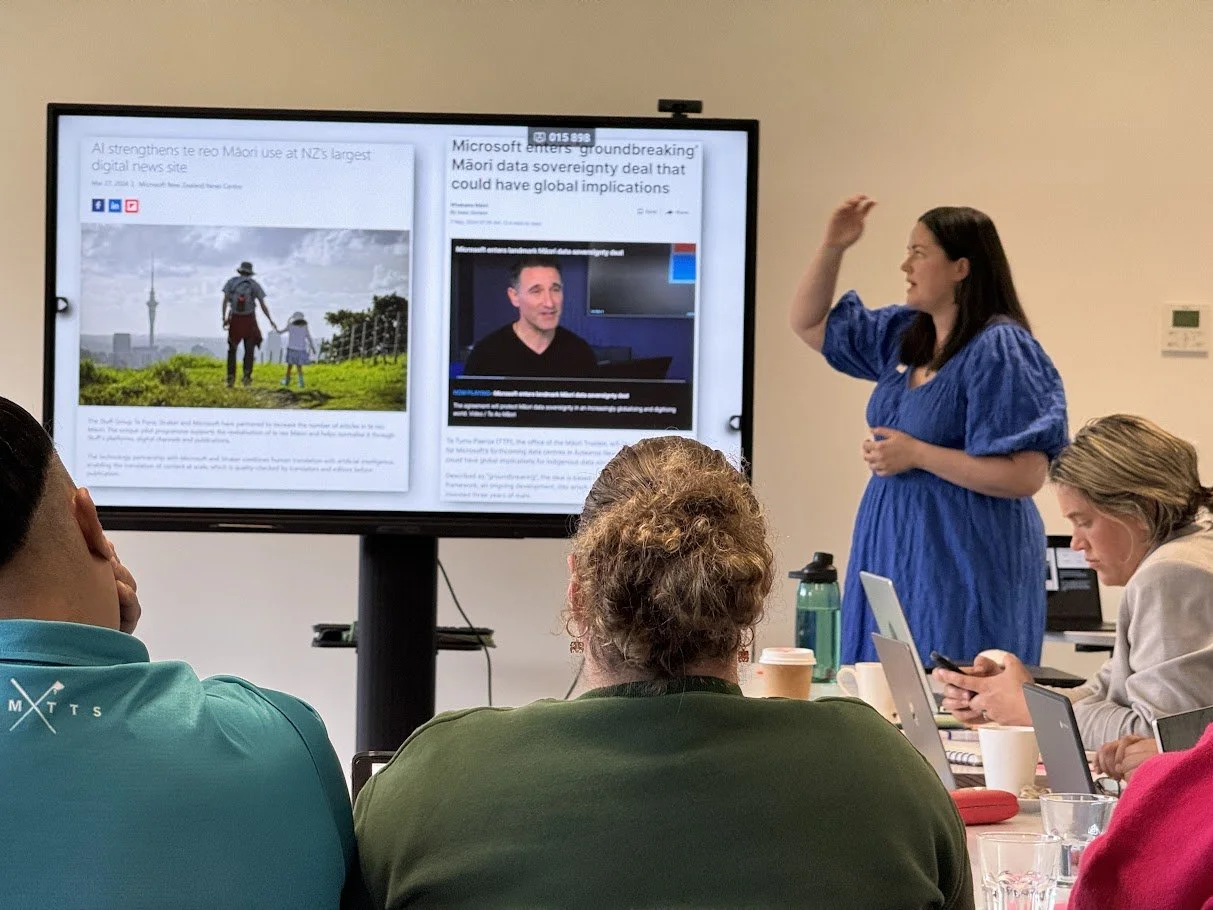
Why Copilot adoption stalls
Most organisations stall after licensing. People try Copilot once or twice, then revert to old habits.
Low usage
No clear use cases
Inconsistent results from prompting
The missing link is practical, department-specific use cases and prompts that fit real workflows.
Get Hands-On with a Promptathon
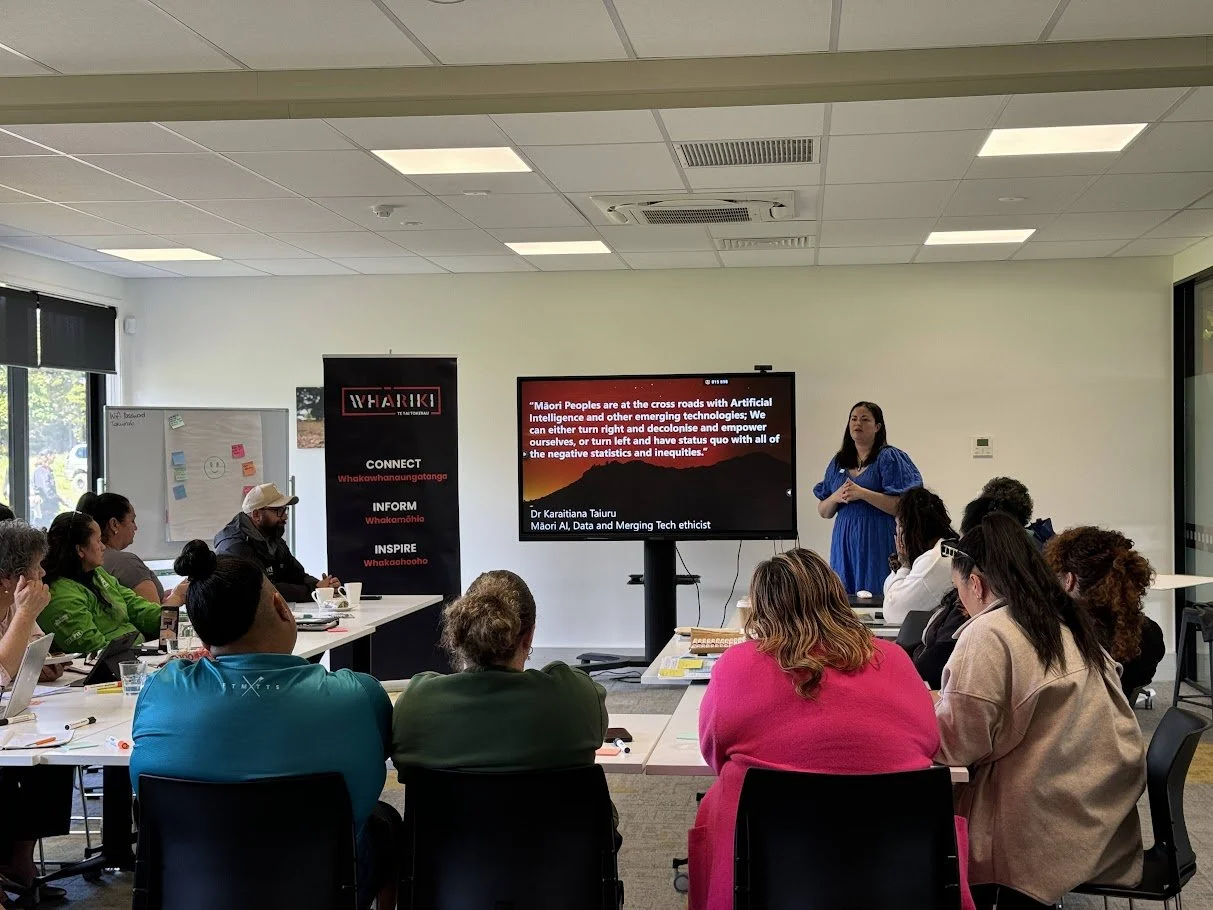
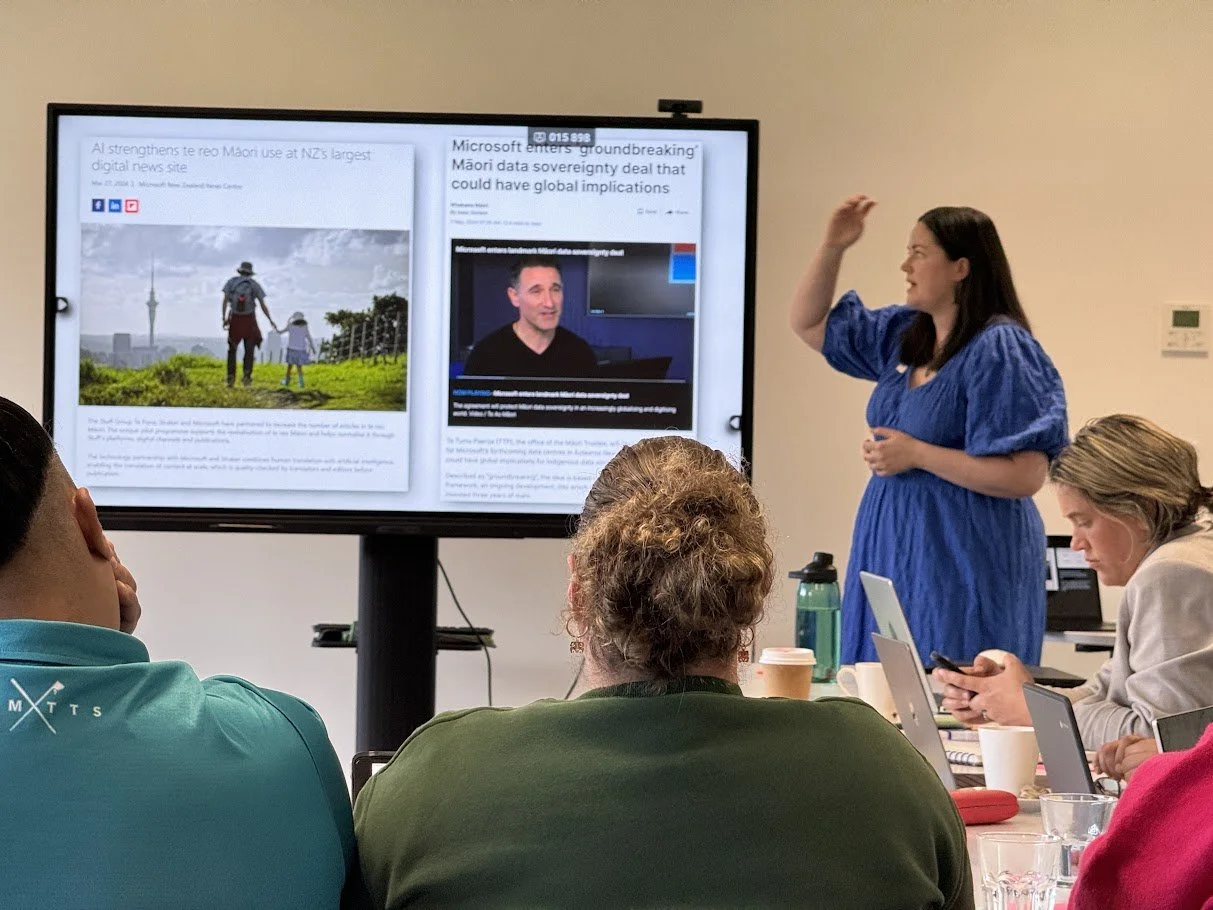
This workshop is run in a promptathon style: cross-functional teams work on live business scenarios and create prompts they can reuse. A promptathon is a short, high-energy event where teams practice AI skills and create repeatable prompt resources.
"Foster collaborative learning by allowing teams to rapidly develop, apply, and curate advanced prompting techniques that maximise the benefits of Microsoft 365 Copilot."
What You’ll Leave With
You’ll leave with six department-specific prompt packs your teams can use immediately - and continue improving over time.
-

LEADERSHIP
-

SALES
-

MARKETING
-

CUSTOMER SERVICE
-

FINANCE
-

OPERATIONS
Choose your track
Launch
Best for: Licences are assigned (or about to be), low usage, beginners.
Format: Guided session with demos and a hands-on prompting lab. Personalisation and practice.
Outputs: Foundational prompt packs for the six departments + quick wins people use immediately.
Embed
Best for: Some usage exists; leaders want scaled and consistent adoption across teams.
Format: More interactive and challenge-oriented, tackling real departmental scenarios.
Outputs: Practical workflow solutions and stronger prompting habits.
Accelerate
Best for: Good baseline adoption, champions ready for bigger impact.
Format: Designed for advanced users to design agents or solutions for scaled impact.
Outputs: Advanced prompt packs, cross-functional scenarios, impact shortlist.
Not sure? Choose Launch. Most organisations start there.
Department coverage
LEADERSHIP
Meeting prep packs, decision briefs, board-ready summaries
CUSTOMER SERVICE
Response drafts, case summaries, knowledge-base articles
SALES
Account research briefs, proposal drafts, follow-up sequences
FINANCE
Narrative commentary, variance explanations, policy draft improvements
MARKETING
Campaign outlines, content repurposing, audience messaging variants
OPERATIONS
Process drafts, risk registers, SOP (standard operating procedure) drafts

How it works
Pre-work: Stakeholder interviews, IT readiness checks, and gather 6-10 real artefacts to work with (emails, docs, meeting notes, reports).
In-person workshop (half-day): Facilitated hands-on session pitched at the right level for your organisation (Launch, Embed, Accelerate).
Post-event: Portal access to refresher assets and materials.

Half-day agenda
Goals and success measures
Prompt ingredients and quality patterns
Department build sessions (prompt packs, examples, guardrails)
Share, refine, standardise
Publish packs and nominate owners to keep them current
Measurement and ROI
Adoption improves when it’s visible. Measurement uses Microsoft’s reporting tools so leaders can see usage and impact trends and decide what to do next.
Use Microsoft Copilot Dashboards to view adoption and impact signals (data reflects the previous 28 days).
Use the Microsoft 365 Copilot usage report to view usage timeframes and adoption (viewable over 7, 30, 90, or 180 days).
Align reporting to business outcomes with Copilot Analytics guidance.
Frequently Asked Questions
-
A prompthathon is a facilitated, hands-on workshop where your teams work on real business scenarios and build prompts they will reuse in day-to-day work. The focus is practical output, not theory. You leave with role-based prompt packs and examples tailored to how your people actually work.
-
The workshop focuses on the apps most organisations use daily with Microsoft 365 Copilot: Word, PowerPoint, Excel, Outlook, Teams, OneDrive, and SharePoint, plus Copilot Chat. If your teams rely on specific tools (for example Loop), the prompt packs will reflect that. The departmental packs are written so they still work even if teams use different combinations of apps.
-
Not for everyone. For the best hands-on experience, aim to have Copilot licences for the people who will own and champion the prompt packs in each department. If some attendees are not licensed, they can still participate in scenario design, quality checks, and prompt review, and they will know what good looks like when licensing expands.
-
Works best with 12–30 participants because it supports fast breakouts and sharing. Up to 60 works well when the room setup supports group tables and you have clear departmental representation at each table. If your group is 40–60 people, plan for more structured facilitation and stronger pre-work to keep momentum.
-
Pre-work is about 2 hours total and keeps the half-day highly productive. It includes a short sponsor briefing, a few stakeholder interviews, confirming Microsoft 365 Copilot readiness and guardrails, and gathering 6–10 real artefacts (emails, documents, meeting notes, reports) to build prompts against. You will also nominate department reps so the prompt packs reflect real workflows.
-
Yes. This offering is designed for in-person delivery across New Zealand and Australia. Travel and logistics are included in the proposal so the quote is clear in NZD or AUD.
-
Your prompt packs are provided in a clean structure suitable for internal reuse. Attendees also receive access to ako.cloverbase.com with refresher assets and materials, so the experience continues post-event. This keeps the prompt packs in use and supports onboarding of staff who did not attend.
-
The workshop uses practical guardrails. Do not paste confidential, personal, or customer-identifiable data into prompts. Use redacted examples during the workshop, keep work inside approved Microsoft 365 locations, and only reference documents that participants already have permission to access. The prompt packs include “safe-use notes” so staff know what to avoid.
-
Yes. The standard packs cover common roles across industries, then the examples and scenarios are adapted to your context during pre-work and the workshop. If you have regulated or specialised workflows, the packs can include industry-specific scenarios alongside the standard patterns.
-
Yes. A 60-minute remote follow-up is available to review adoption signals, refine prompt packs based on what staff actually used, and agree next actions for the next 30–90 days. This is typically proposed as an optional add-on so you can decide based on momentum after the workshop
About Cloverbase
Cloverbase helps teams turn emerging technology into practical, everyday workflows. We work with leaders and operators to design systems, prompts, and processes that actually get used - without adding complexity.
Our approach is hands-on, structured, and focused on real outcomes. Everything we deliver is designed to be immediately usable and to improve over time as teams learn and adapt.
Work directly with the strategists
No hand-offs, no layers. You get senior guidance from day one.

Meg Smith
DIGITAL STRATEGIST
Meg makes complex concepts simple and helps people adopt technology in ways that are responsible, practical, and human-first.
Specialisations
AI literacy and enablement
Digital strategy
Change and adoption
Learning programmes and workshops

Mark Smith
PRINCIPAL AI STRATEGIST
Mark helps leaders design AI strategy, build low-code applications, and drive adoption using Microsoft AI, grounded in real workflows and outcomes.
Specialisations
AI strategy
Low-code application development
AI adoption
Microsoft AI
Enquire about a workshop
We can tailor workshops to meet your needs.